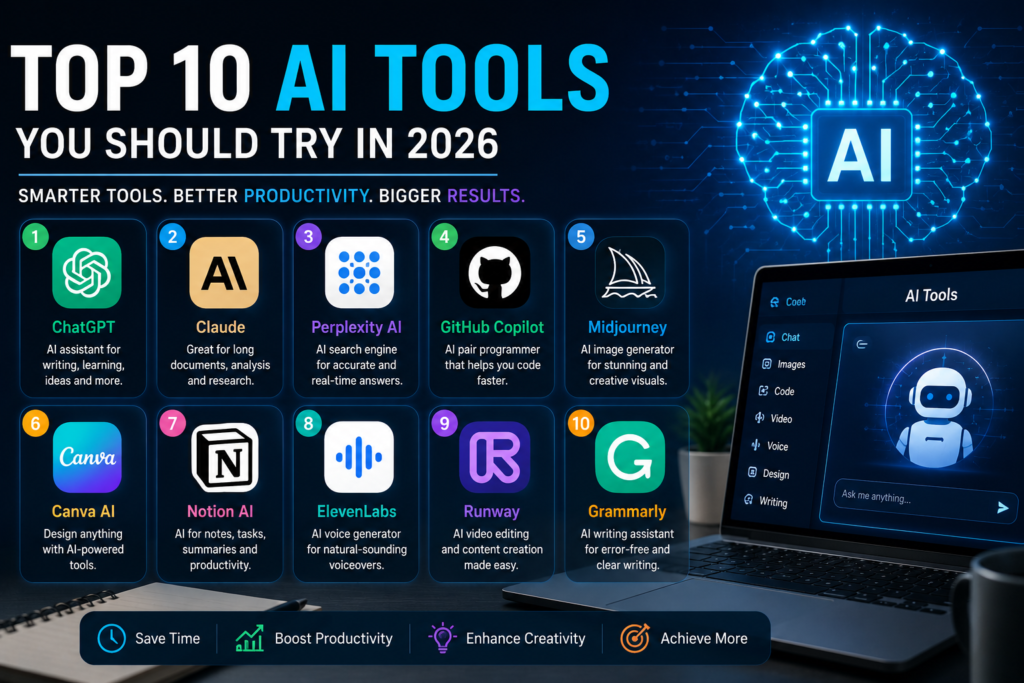
Top 10 AI Tools 2026
Top 10 AI Tools Every Student Should Use in 2026
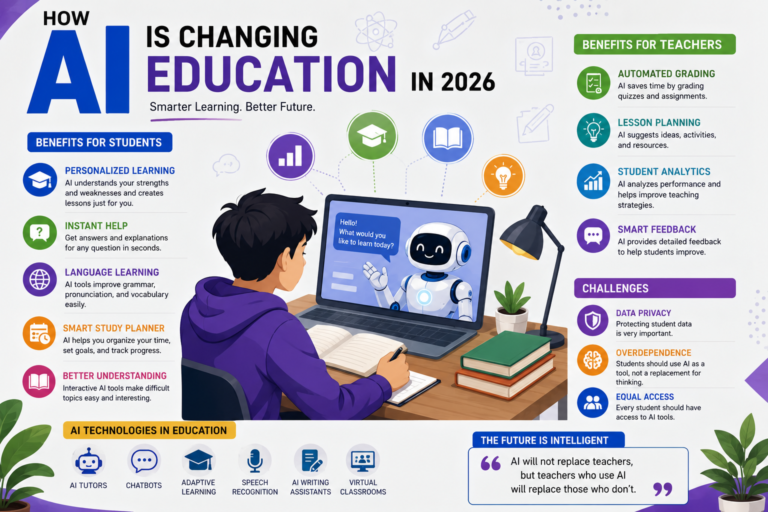
Artificial Intelligence is changing the way students learn, study, and complete assignments. From writing essays to solving programming problems and organizing notes, AI tools have become valuable study companions. Instead of spending hours searching for information, students can now complete many tasks more efficiently with the help of AI.
However, not every AI tool is designed for the same purpose. Some are excellent for writing, others specialize in coding, research, design, or note-taking. Choosing the right tool can save time and improve productivity throughout the academic year.
1. ChatGPT
ChatGPT is one of the most popular AI assistants available today. It helps students understand difficult concepts, write assignments, solve mathematical problems, generate programming code, and prepare for exams. Whether you’re studying computer science or business, ChatGPT can simplify complex topics in an easy-to-understand way.
2. Google Gemini
Google Gemini is an AI assistant that works closely with Google’s ecosystem. Students who use Google Docs, Gmail, Google Drive, and Google Search will benefit from its seamless integration. It can summarize documents, answer research questions, and improve productivity while working on academic projects.
3. Microsoft Copilot
Microsoft Copilot is designed for students who frequently use Microsoft Word, Excel, PowerPoint, and Outlook. It helps generate presentations, organize spreadsheets, draft reports, and automate repetitive tasks, making it an excellent productivity assistant.
4. Grammarly
Writing assignments without grammar mistakes is important for every student. Grammarly checks spelling, punctuation, sentence structure, and writing style. It also suggests improvements that make academic writing more professional and easier to read.
5. Notion AI
Notion AI combines note-taking, task management, and AI assistance into one platform. Students can organize lectures, create study schedules, summarize notes, and manage projects without switching between multiple applications.
6. Canva Magic Studio
Designing presentations, posters, resumes, and social media graphics has become much easier with Canva’s AI features. Students can create professional-looking designs within minutes without requiring advanced graphic design skills.
7. GitHub Copilot
Computer science students and software developers can significantly improve their coding productivity with GitHub Copilot. It suggests code, explains functions, helps debug errors, and supports many programming languages.
8. Perplexity AI
Perplexity AI focuses on research by providing concise answers along with references. This makes it useful for students who need quick explanations while also reviewing supporting sources for their assignments.
9. Otter.ai
Taking notes during lectures can be challenging. Otter.ai converts spoken lectures into searchable text, allowing students to review important information later without missing key details during class.
10. DeepL Translator
Language barriers are common for international students. DeepL Translator provides high-quality translations that help users understand foreign-language documents and improve communication in multiple languages.
Which AI Tool Should You Choose?
The best AI tool depends on your needs. If you’re a programming student, GitHub Copilot and ChatGPT are excellent choices. For writing assignments, Grammarly and ChatGPT work well together. Students who rely on Google Workspace may prefer Google Gemini, while creative students can benefit from Canva Magic Studio.
Using multiple AI tools together often provides the best learning experience because each one specializes in different tasks.
Final Thoughts
Artificial Intelligence is becoming an essential part of modern education. These tools help students save time, improve productivity, enhance creativity, and understand difficult topics more effectively. While AI can be an excellent learning assistant, students should continue developing their own critical thinking and problem-solving skills.
By choosing the right AI tools and using them responsibly, students can study smarter, stay organized, and prepare themselves for the future of education and technology.

Stay Updated 🚀
Get the latest tutorials, WordPress tips, AI updates and web development articles delivered directly to your inbox.
Related Posts
💬 Discussion
0 Comments